|
November 3, 2025 ATTENDING: Tom B, John M, Bob G. TOPIC : Tahoe macOS 26
Some discussions of Apple's latest OS (Tahoe) - we generally agreed it is far too gimicky and erratic with seemingly endless changes to things we did not see as problems. It's hard to do useful work when someone rearranges all the furniture in your comfortable home while you weren't looking. A Couple Fixes to Some Tahoe Changes Deactivate Hot Corners that keep filling your screen w/ unexpected windows: 1. Go to System Settings > Desktop & Dock > Hot Corners (at the very bottom)
2. Click the up/down arrows next to each corner and change all settings to minus (-)
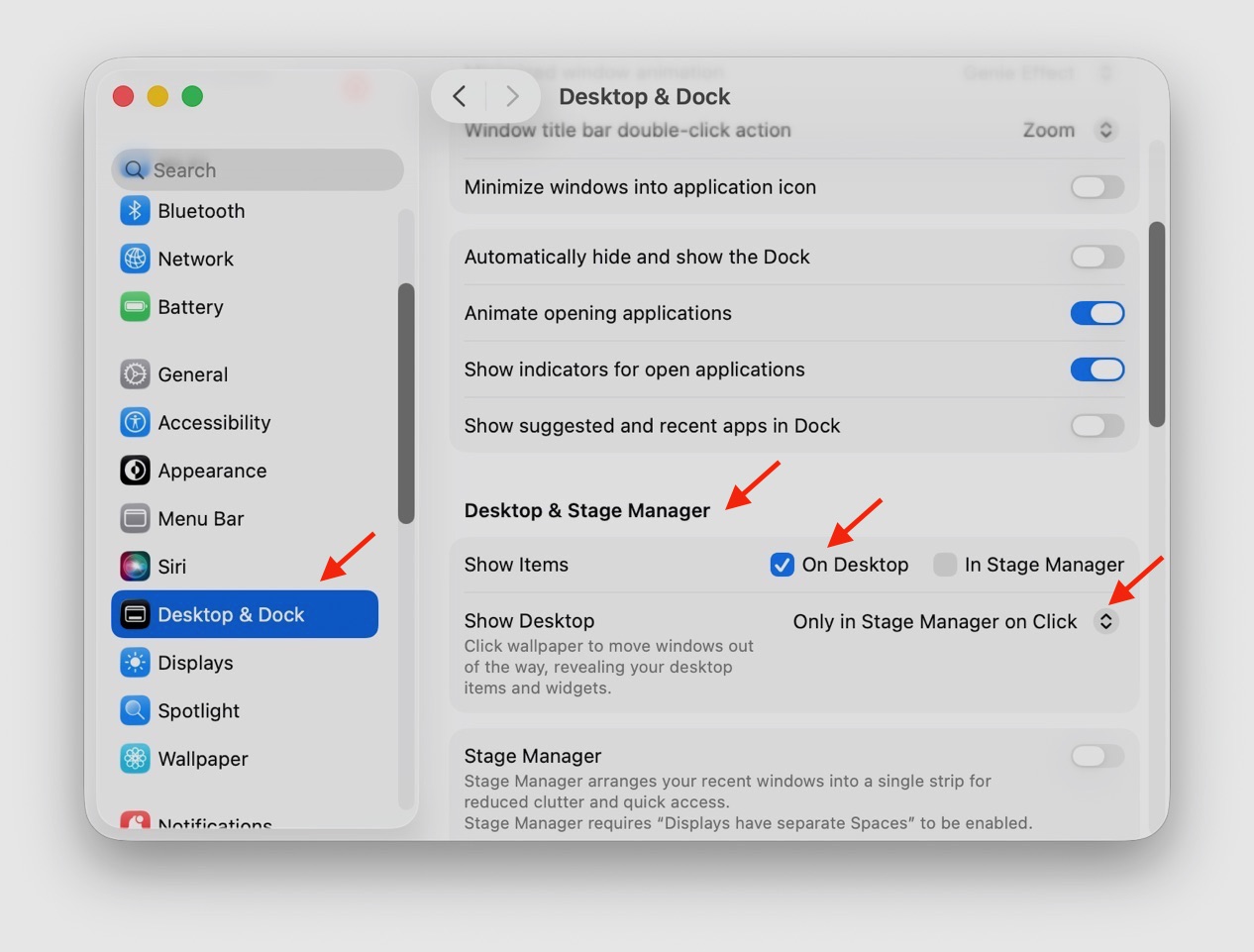
Turn Off Stage Manager to Keep All Windows from flying off Desktop every time you accidently click on the Desktop Wallpaper 1. Go to System Settings > Desktop & Dock >
3. After Show Desktop check 'Only in Stage Mgr on Click'
TIP
Temporary - shake mouse back and forth or move finger rapidly on trackpad Permanent - Go to System Settings > Accessibility > Display > Pointer - use slider to enlarge
Note: You can also change the Pointer colors
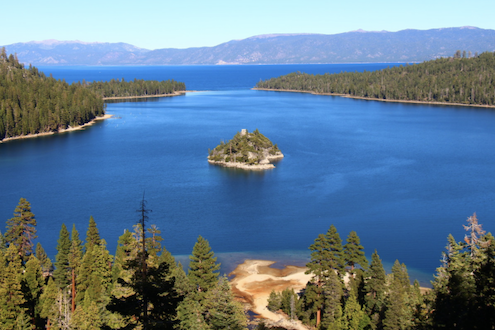
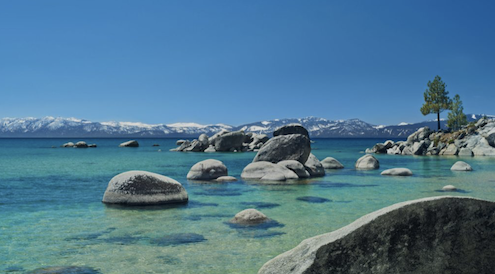
Interesting Fact Did you know that Lake Tahoe is 1645 feet deep? Wow! And we thought Keuka Lake was deep at 187 feet.
NEXT MEETING : TBD
Hammondsport Mac Users Group - Hammondsport, NY 14840 - www.hportmug.com
|



 Enlarge the Pointer